Hardware Essentials:
Powerful Computer: Invest in a powerful computer with sufficient RAM and processing power to handle the demands of your tasks. Consider SSD storage for faster data access.
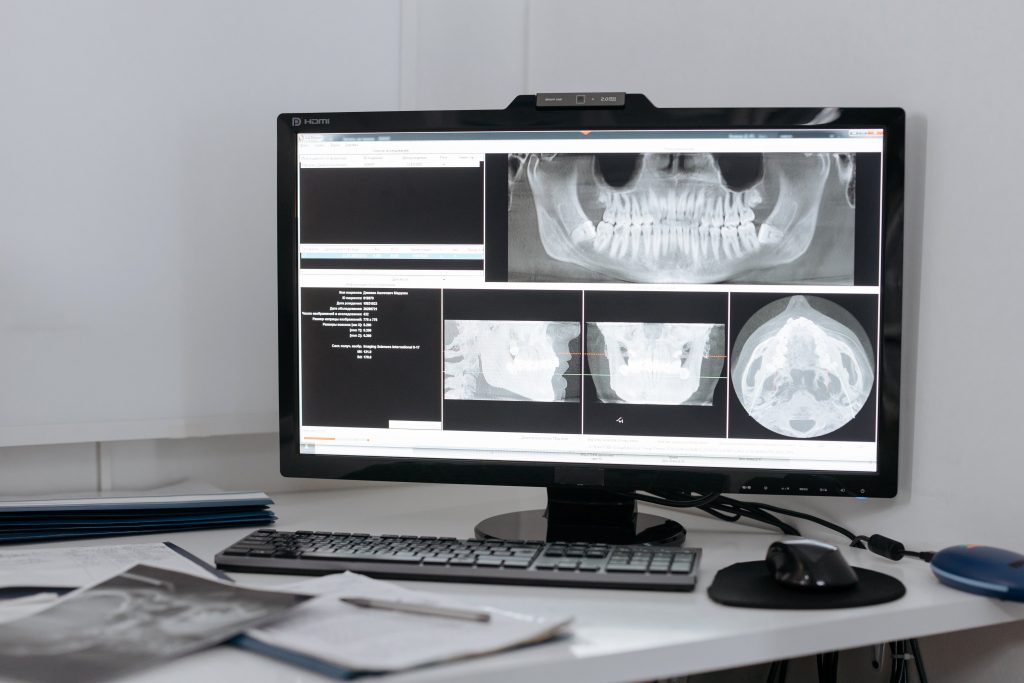
Multiple Monitors: Enhance productivity with dual or multiple monitors. This setup allows you to organize your workspace efficiently, making it easier to multitask and manage different applications simultaneously.
High-Quality Peripherals: Choose ergonomic keyboards, mice, and headsets to ensure comfort during long working hours. Opt for quality peripherals to minimize downtime and maximize efficiency.
Reliable Internet Connection: A stable and high-speed internet connection is critical for remote work. Consider upgrading your plan if needed and use a wired connection for increased reliability.
Software Solutions:
Virtual Private Network (VPN): Set up a VPN to encrypt your internet connection and ensure a secure channel for accessing corporate networks and sensitive data.
Collaboration Tools: Utilize collaboration tools like Slack, Microsoft Teams, or Zoom for seamless communication with colleagues. These tools facilitate real-time collaboration, fostering a sense of connectivity within your remote team.
Project Management Software: Implement project management tools such as Asana, Monday or ClickUp to organize tasks, track progress, and collaborate on projects effectively.
Remote Desktop Access: Set up remote desktop access solutions to securely connect to your work computer. This allows you to access your desktop and files from anywhere, enhancing flexibility.
Cybersecurity Measures:
Firewall and Antivirus Software: Ensure your home office is equipped with robust firewall and antivirus software to protect your system from potential threats.
Regular Software Updates: Keep all software, including operating systems and applications, up to date. Regular updates patch security vulnerabilities and ensure optimal performance.
Secure Wi-Fi Network: Change default router settings, use strong passwords, and enable WPA3 encryption to secure your home Wi-Fi network. Avoid using default credentials for added security.
Two-Factor Authentication (2FA): Enable 2FA for all relevant accounts to add an extra layer of security. This helps protect sensitive information even if login credentials are compromised.
Ergonomic Considerations:
Proper Seating and Lighting: Invest in an ergonomic chair and ensure proper lighting to reduce physical strain during long working hours.
Cable Management: Keep cables organized to avoid clutter and prevent tripping hazards. Consider using cable organizers or clips to manage cables effectively.
Adjustable Desk: If possible, invest in an adjustable desk to accommodate both sitting and standing positions, promoting a healthier work environment.
Setting up a home office for remote work from involves a combination of hardware, software, and security considerations. By following these guidelines, you can create an efficient, secure, and comfortable workspace that enhances your productivity and ensures the success of your remote work endeavors as a business professional. Embrace the flexibility of remote work while maintaining the highest standards of IT security and performance.
Si vous souhaitez en savoir plus s’il vous plaît contactez-nous en demandant une consultation